 SuperClean
Storage cleaner for Android
See what’s using your storage. Clean only what you choose.
SuperClean scans your Android phone for junk files, large files, similar photos and unwanted audio. Scanning happens on your phone, your files are never uploaded, and nothing is deleted until you confirm.
Requires Android 8.0 or later. English.
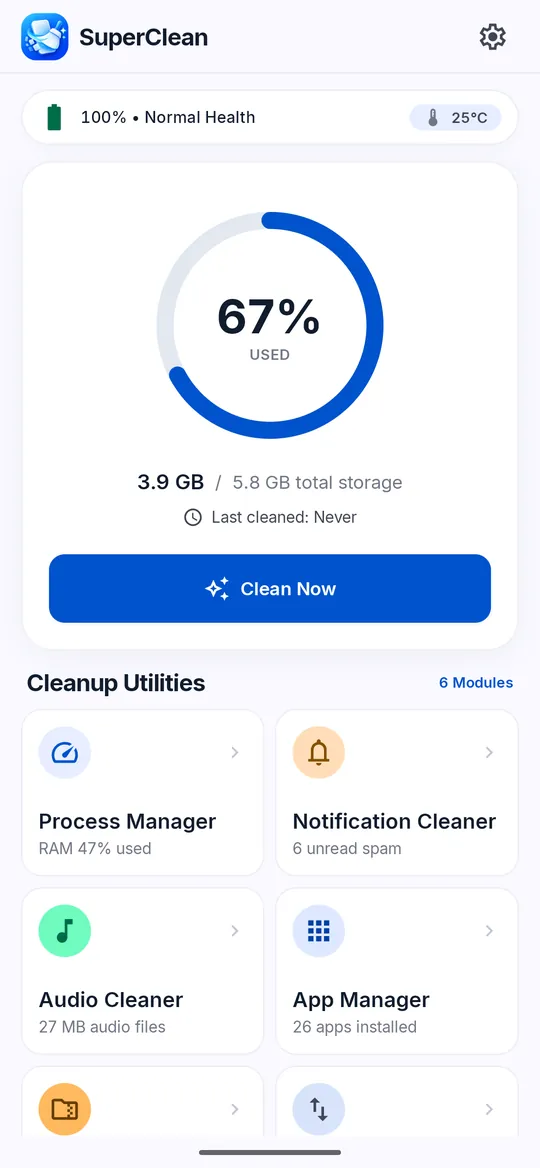
Clean up storage
-
Junk File Cleaner
Finds app cache, temporary and log files, thumbnail caches, installer packages and leftovers from uninstalled apps. Items come pre-selected; uncheck anything you want to keep.
-
Large Files
Lists files over 50 MB, including videos, audio, images, documents and APKs, grouped by type.
-
Similar Photos
Groups look-alike photos such as bursts and slight edits. The best shot in each group stays unselected, and the sharpest shot is labeled.
-
Photo Compressor
Saves smaller JPEG copies of the photos you choose, at Light, Balanced or Strong levels. Originals are kept. Stronger levels lower quality more.
-
Audio Cleaner
Lists audio files grouped by folder: Music, Recordings, WhatsApp, Downloads and Other.
Check and manage
-
App Manager
Shows how much storage each installed app uses when usage access is on. Clearing cache, managing permissions and uninstalling open in Android settings.
-
Network Traffic
Shows mobile and Wi-Fi data use for each app, for today, the last 30 days or this month. Needs usage access.
-
Notification Cleaner
Groups status-bar notifications into Shopping, Social and Other, and clears the groups you pick. Messages from messaging apps and your default SMS app are kept. Needs notification access.
-
Battery Info
Shows battery level, charging state, temperature, voltage, technology and cycle count, as Android reports them.
-
Device Info
Shows your phone’s model, Android version, screen, CPU, memory, storage and more, read from the system.
-
Volume Settings
Adjusts each system volume stream from one screen.
Screenshots
-
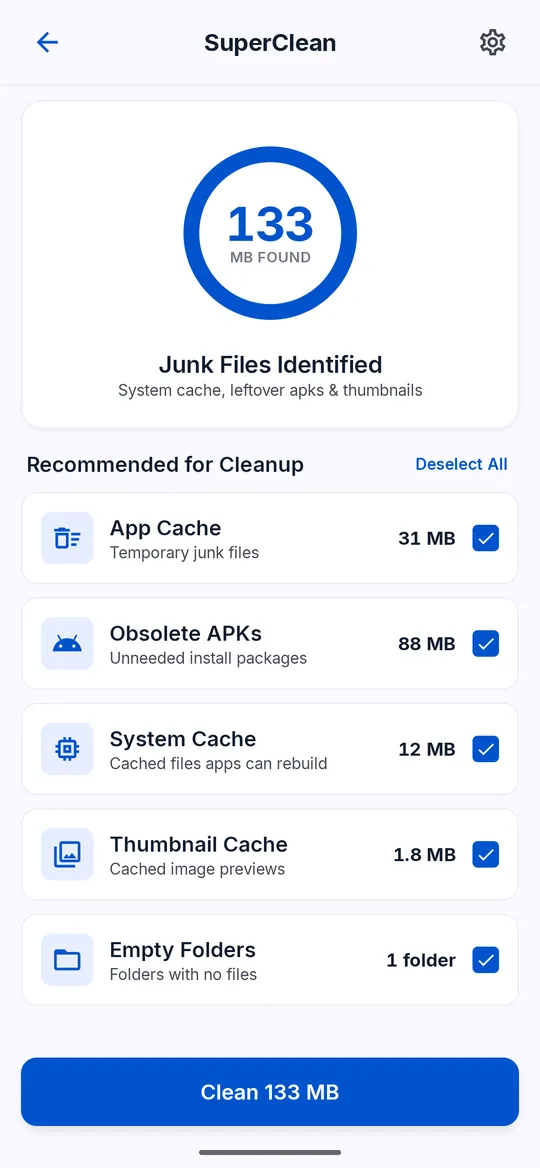
Junk Cleaner lists app and system cache, old installer packages, thumbnail caches and empty folders. Review each group before you clean. -
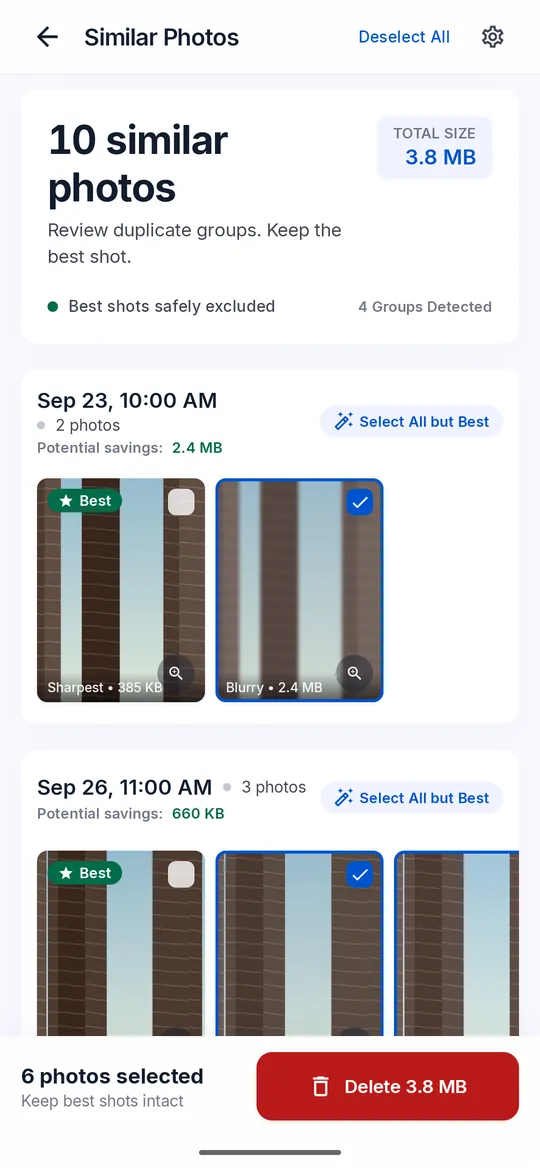
Similar Photos groups look-alike shots. The best shot in each group stays unselected. -
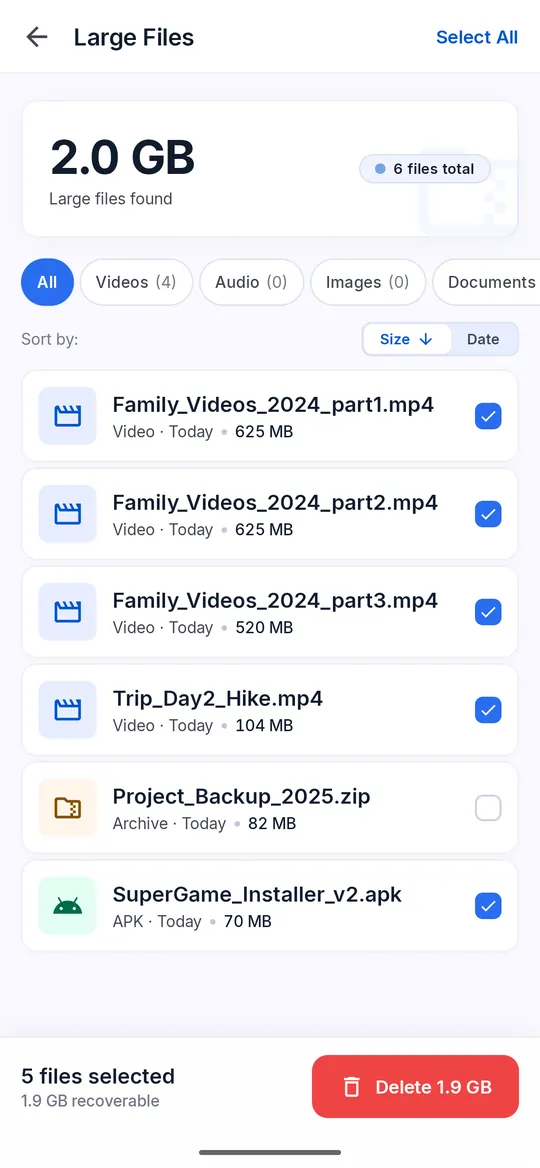
Large Files lists files over 50 MB, grouped by type, so you can see what takes the most room. -
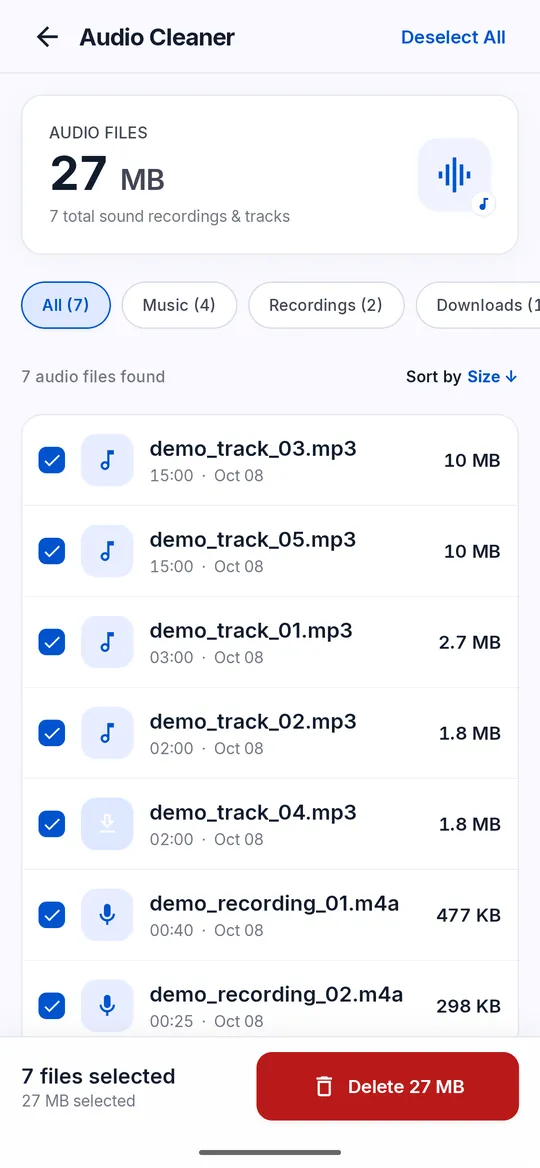
Audio Cleaner groups your audio files by folder, such as Music, Recordings and Downloads. -
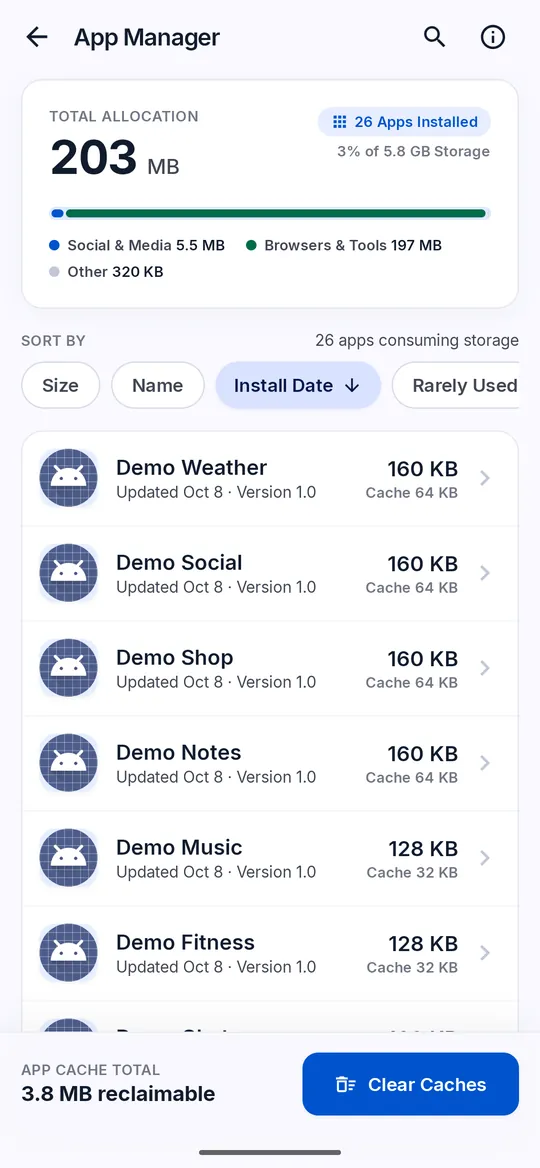
App Manager lists installed apps with the storage each one uses. -
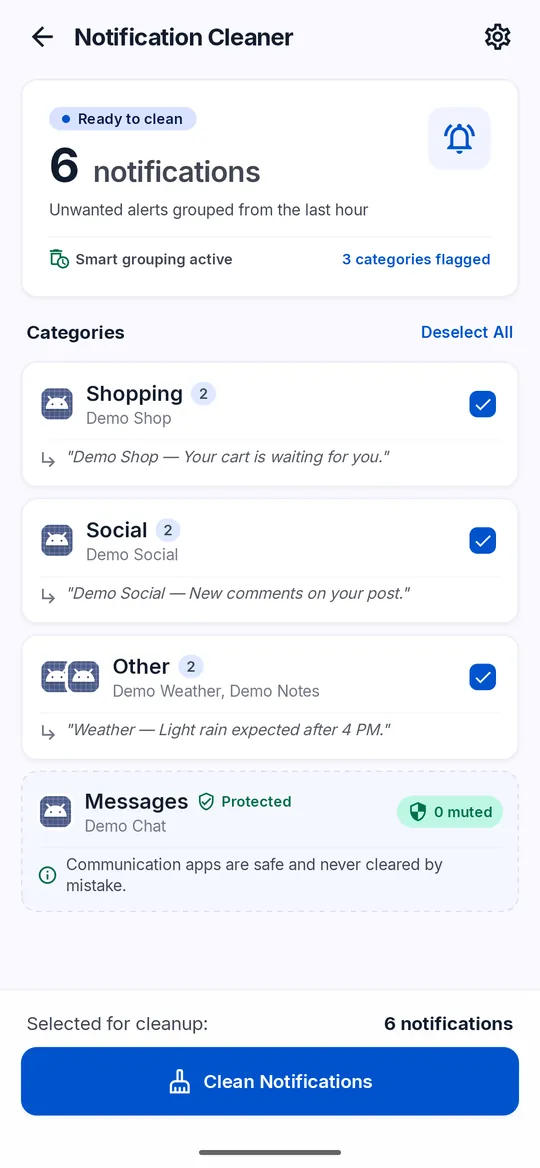
Notification Cleaner groups your status-bar notifications. Messages from messaging apps and your default SMS app are kept.
Your files stay on your phone
- Scanning happens on your phone. Your photos and files are never uploaded.
- Every deletion asks you to confirm first.
- On Android 11 and later, deleted photos, videos and audio go to the Android system trash first. Other files are deleted at once.
- Photo compression saves new copies and leaves your originals as they are.
How it works
Scan
SuperClean looks through the storage areas Android lets it read.
Review
Check each group. Uncheck anything you want to keep.
Confirm
Confirm the deletion. Nothing is removed before you do.