 NimbleClean
Big videos, clearly listed.
Find videos over 50 MB and older than 30 days. Review the memories before making room for new ones.
Make room for your next moment. See what’s taking up space, review what you no longer need, and clear only what you choose.
Contains ads · Google Play release coming soon · Android 8.0+
Find videos over 50 MB and older than 30 days. Review the memories before making room for new ones.

Bring screenshots older than 30 days into view. Keep the useful ones and choose what can go.

Review photos and videos saved by WhatsApp and WhatsApp Business more than 90 days ago.

Clear NimbleClean’s own temporary cache. Your other apps and their private files stay outside this cleanup.
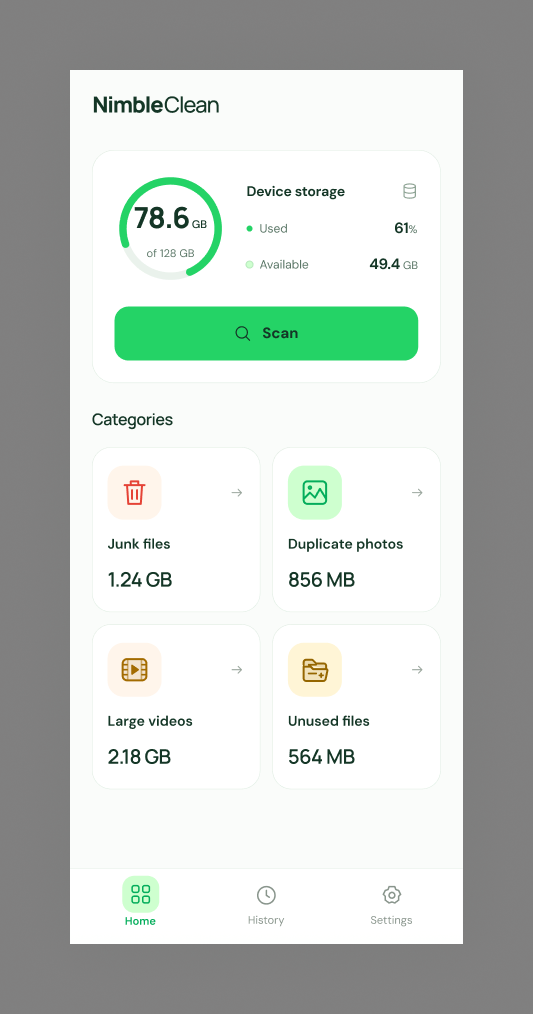
Open NimbleClean for an easy-to-read overview of your phone’s available storage.
Allow media access when you’re ready. Explore a measured list of files grouped by clear rules.
Select files yourself, then confirm. On Android 11+, media moves to system trash first.