 NimbleClean
Big videos, clearly listed.
Find videos over 50 MB and older than 30 days. Review the memories before making room for new ones.
A simple way to understand your storage and make deliberate choices about the files on your phone.
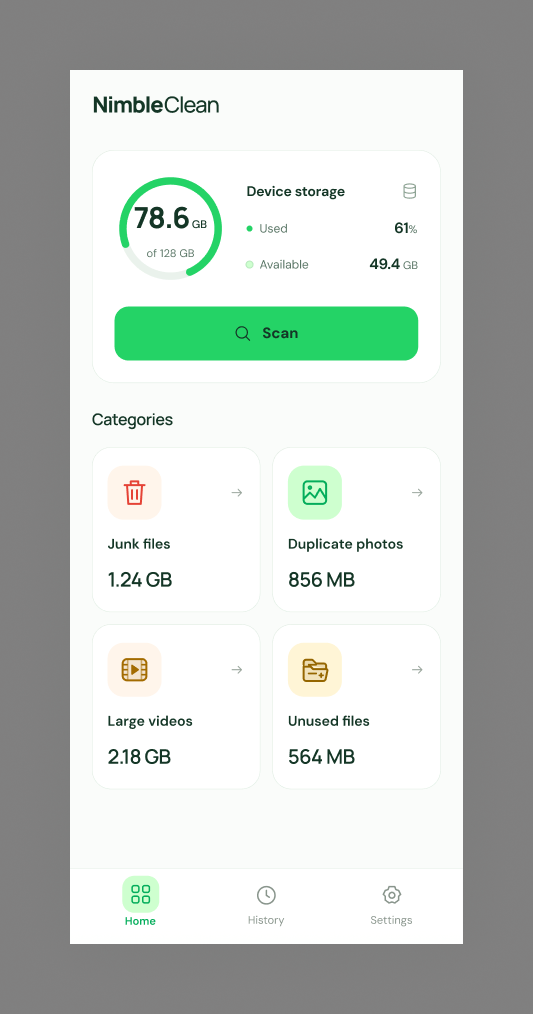
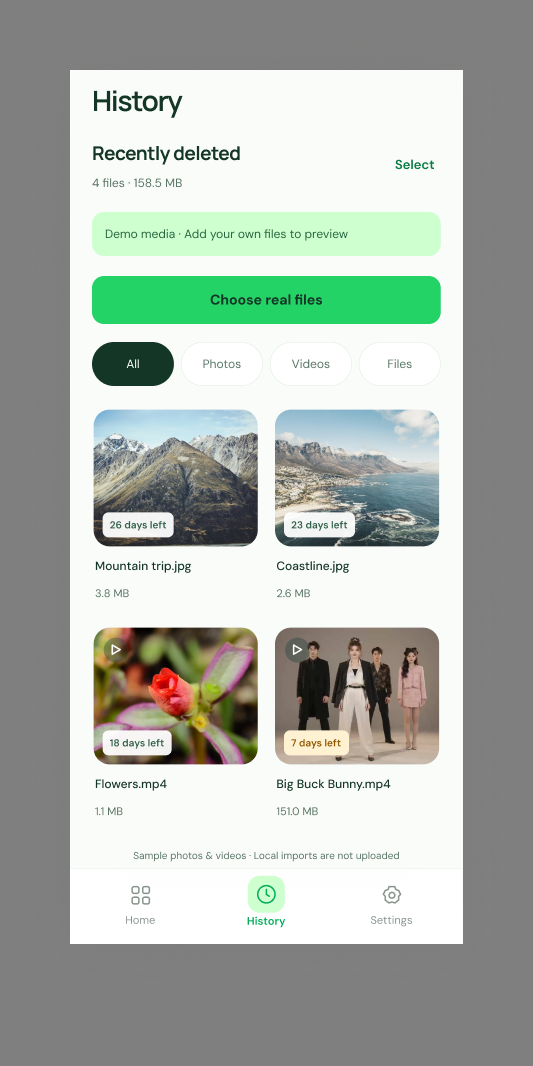
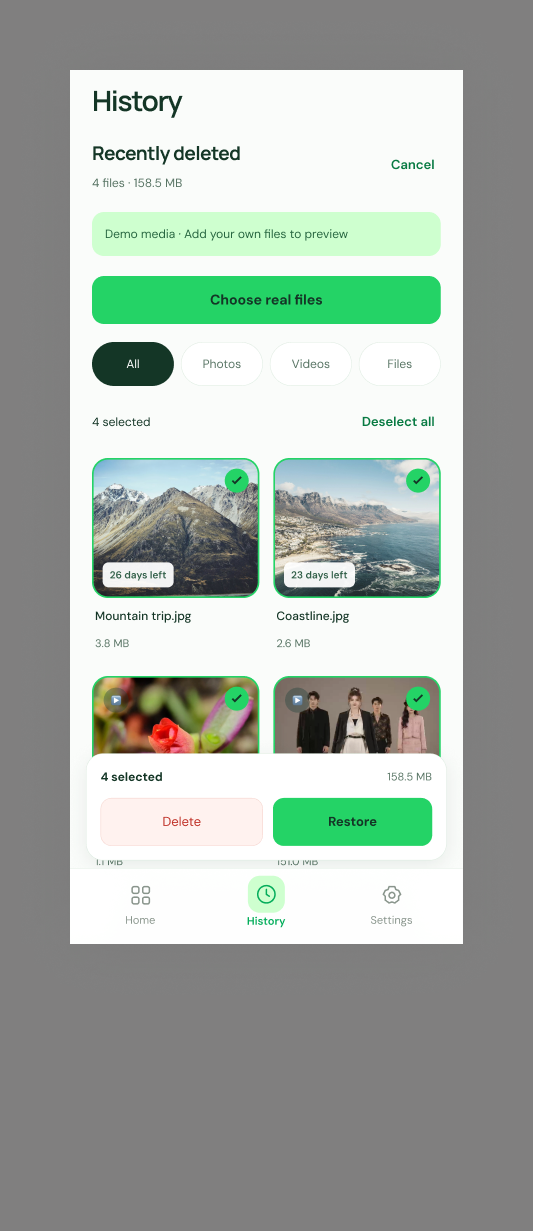
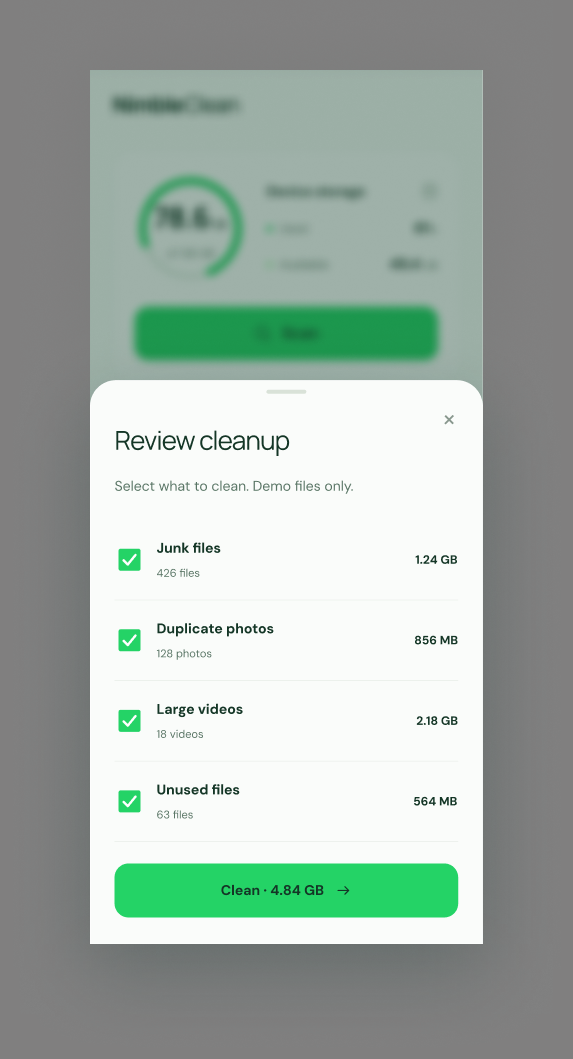
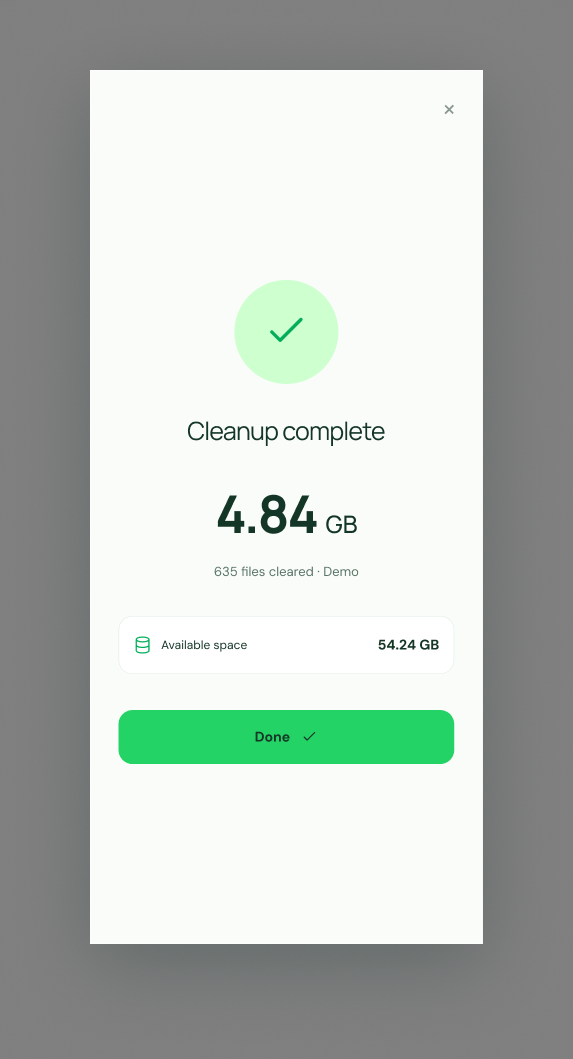
NimbleClean groups media by size, age and source, so you can review what’s worth keeping. Empty groups stay out of the way and each file is counted in one group only.
Find videos over 50 MB and older than 30 days. Review the memories before making room for new ones.

Bring screenshots older than 30 days into view. Keep the useful ones and choose what can go.

Review photos and videos saved by WhatsApp and WhatsApp Business more than 90 days ago.

Clear NimbleClean’s own temporary cache. Your other apps and their private files stay outside this cleanup.
On Android 11 and later, selected media goes to the system trash. Restore it from NimbleClean’s Trash screen until Android removes it, or choose to delete it permanently.
On Android 10 and earlier, confirmed deletion is immediate and cannot be undone. NimbleClean’s own cache is also deleted immediately. Moving files to trash does not necessarily free storage right away.
No. The storage overview works without media permission. Access is requested when you choose a feature that needs your photos and videos.
No. The cache category only covers NimbleClean’s own temporary files.
NimbleClean can only count and display the photos and videos you allow. A limited-access state explains that the results are partial.
Yes. The advertising-supported app includes ads and uses third-party analytics, crash reporting and notification services. Review our privacy policy for the data processed and your choices.
The Google Play release is coming soon. Contact us for availability information.